AI Automation9 min read
Webhooks Explained for Non-Developers: The Glue Behind Modern Automation
A webhook is a doorbell between apps: push instead of poll. The full plain-English model — events, endpoints, payloads — plus failure handling, security questions worth asking, and where webhooks sit in your automations.
BurTech Solution
Engineering team
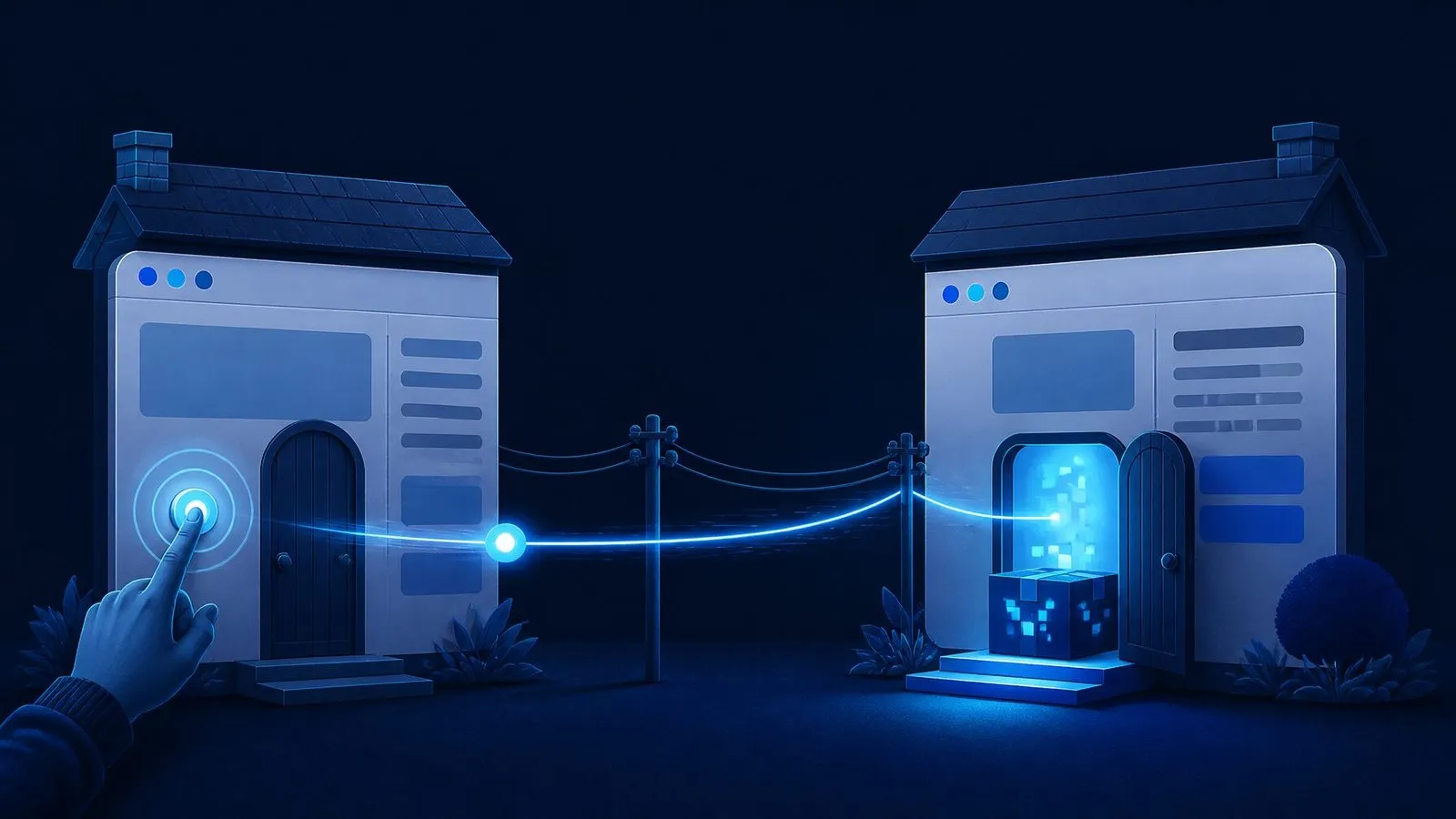
A webhook is a doorbell between two apps: when something happens in system A — an order placed, a form submitted, a payment cleared — A immediately rings B’s bell and hands over the details, instead of B knocking every few minutes to ask “anything new?” That single inversion — push instead of poll — is the quiet mechanism behind nearly every modern business automation, and understanding it (no code required) is the difference between buying integrations blind and directing them intelligently.
This is webhooks for non-developers: the doorbell model in full, how a webhook actually travels (in plain English), why they beat schedule-based syncing, what goes wrong and how well-built systems handle it, the security questions worth asking any builder — and where webhooks sit in the automations you already want.
The doorbell model, completely
Imagine your store and your accounting app as neighbours. The old way — polling — has accounting walking to the store every fifteen minutes asking “any new orders?” Mostly the answer is no: wasted trips, and up to fifteen minutes of staleness when the answer is yes. The webhook way: the store gets accounting’s address (a receiving URL) once, and the moment an order lands, the store walks over, rings the bell, and hands across a note with the order’s details. Accounting acts immediately and nobody knocks on empty doors.
Three vocabulary words complete the model, and they are the whole jargon: the event (the thing that happened — “order created,” “form submitted,” “payment failed”; platforms publish a menu of events you can subscribe to); the endpoint (the receiving address — a URL your automation platform or app exposes to catch deliveries); and the payload (the note itself — a structured bundle of the event’s details, typically in JSON, which is just a labelled list a machine can read: order number, customer, items, total). Subscribe an endpoint to an event, and every future occurrence delivers its payload automatically. That is the entire mechanism.
Why push beats poll (with the receipts)
- Latency: seconds versus the polling interval. Every speed-sensitive automation — the lead-routing pipelines where minutes decide meetings, the inventory sync where staleness becomes oversells — runs on webhooks for exactly this reason.
- Efficiency: polling burns API allowances asking empty questions; platforms rate-limit, and busy accounts hit those limits precisely when it matters. Webhooks spend nothing between events.
- Completeness: a poll asks “what is the state now?” and can miss what happened between checks; events narrate every change as it occurs — the difference between a photograph every fifteen minutes and a film.
Polling keeps two honest jobs: systems too old to offer webhooks (the scheduled-import fallback from the data-bridge guide), and the periodic reconciliation sweep below — which exists precisely because even doorbells occasionally fail.
The journey of one webhook, narrated
Follow a single delivery end to end — a customer submits your contact form — and every abstraction becomes furniture:
- The event fires. The form plugin finishes saving the submission and consults its subscription list: one endpoint wants “form submitted” events — your automation platform’s receiving URL.
- The payload assembles. Name, email, message, form ID, timestamp — packed into the labelled-list format, exactly the fields the form knows.
- The delivery happens. An HTTPS message to the endpoint — the same kind of secure request your browser makes constantly — carrying the payload and a signature (more below). Elapsed time so far: well under a second.
- The receiver answers the door. The endpoint acknowledges receipt immediately (“got it”), then starts its work — the etiquette that matters, because a receiver that dawdles before acknowledging makes the sender assume failure and retry, creating the duplicate-processing confusion below.
- The pipeline runs. The orchestrator — the n8n-style flow — validates the payload, enriches the contact, writes the CRM record, notifies the channel, sends the acknowledgement. The customer’s phone buzzes with your auto-reply while their thumb is still near the submit button.
Multiply that journey by every event type across every platform you use — orders, payments, bookings, reviews, shipments, signatures — and you have the nervous system of an automated business: hundreds of doorbells, each rung at the moment of truth.
What goes wrong, and what good systems do about it
- Missed deliveries. The receiver was down, the network hiccuped, a timeout struck. Senders retry (most platforms attempt redelivery on a backoff schedule), receivers alert on processing failures, and — the belt to the braces — a periodic reconciliation sweep compares source and destination to catch anything both layers missed. Doorbell plus daily walk-around: the pattern from inventory sync, universal to every webhook system that matters.
- Duplicate deliveries. Retries mean the same event can arrive twice; well-built receivers are idempotent — fancy word, plain meaning: processing the same note twice produces the same result once (checked via the event’s unique ID). Ask your builder “what happens if the same webhook arrives twice?” and expect this word or its meaning.
- Out-of-order arrivals. “Order updated” can outrun “order created” in transit. Receivers handle it by checking state, not assuming sequence — the note’s timestamp outranks its arrival time.
- Payload changes. Platforms evolve their event formats; a renamed field can silently starve a downstream step. The cure is validation at the door (reject or flag payloads missing expected fields) plus the monitoring rhythm that notices a pipeline gone quiet — because a webhook system’s scariest failure mode is silence that looks like calm.
The security questions worth asking
An endpoint is a door on the internet, and doors invite knockers. The protections are standard; your job is confirming they exist:
- “Are payloads signed, and do we verify?” Platforms sign webhooks with a shared secret — a tamper-proof wax seal proving the note really came from the store and was not altered. Receivers must check the seal before acting; an unverified endpoint will happily process a forged “order paid” from anyone who finds the URL.
- “Is everything HTTPS?” Always yes in 2026, but confirm — payloads carry customer data.
- “What does the endpoint do with a malformed or unexpected payload?” The right answer involves validation and quarantine, not blind processing. This overlaps the payload-change failure above: the same door check handles both accidents and attacks.
- “Where do webhook URLs and secrets live?” In the credential vault with everything else, rotated when staff or vendors change — an endpoint URL is a minor secret, but a secret nonetheless.
- “What is logged?” Every delivery, its verification result, and its processing outcome — the audit trail that turns “something is off” into a ten-minute diagnosis. Execution logs are half the argument for orchestrators in the first place.
Where webhooks sit in the automations you actually want
Recognise them in the systems this blog keeps building: the lead pipeline starts with a form webhook; cart recovery triggers on checkout-abandoned events; inventory sync is order-event webhooks feeding the owner ledger; review requests fire on delivery-confirmed events; the CRM’s automatic capture is webhooks all the way down; and agents subscribe to events as their wake-up calls. When a proposal says “real-time integration,” it means webhooks; when it says “syncs every 15 minutes,” it means polling — and now you know which questions to ask about each: retries and reconciliation for the first, staleness tolerance for the second.
The cheat sheet to keep
Every term this guide used, in one reference you can screenshot for the next integration meeting:
| Term | Plain English | The question it answers |
|---|---|---|
| Webhook | One system automatically notifying another the moment something happens | “How does system B find out instantly?” |
| Event | The thing that happened (order placed, form submitted, payment failed) | “What triggers it?” |
| Endpoint | The web address that receives the notification | “Where does it go?” |
| Payload | The structured details riding along (who, what, when, how much) | “What information arrives?” |
| Polling | The old way: checking on a schedule whether anything changed | “Why is this sync 15 minutes behind?” |
| Retry | The sender’s repeat attempts when a delivery fails | “What if our end was briefly down?” |
| Idempotency | Processing the same event twice without double effects | “What if it arrives twice?” |
| Signature | The cryptographic seal proving the notification is genuine | “Could someone fake one?” |
| Reconciliation | The periodic sweep that catches anything the events missed | “What is the safety net?” |
Nine rows is the entire working vocabulary. The technology under each row runs deep, but the concepts do not — and the concepts are all an owner needs to specify, buy and supervise event-driven automation with confidence.
The five questions that make you a good automation client
- “Which steps are event-driven and which are scheduled — and why?” (Speed-sensitive steps deserve events.)
- “What happens when a delivery fails — retries, alerts, reconciliation?” (All three, or the design is optimistic.)
- “What happens if the same event arrives twice?” (Idempotency, by name or by meaning.)
- “How are payloads verified?” (Signatures checked, always.)
- “Where do I see the logs when something looks wrong?” (A place you can actually access — it is your business’s nervous system.)
Five questions, no code, and any builder worth hiring will enjoy answering them — the ones who bristle just failed the interview.
Watching your first webhook (no code, ten minutes)
Nothing demystifies the mechanism like seeing one arrive, and you can do it without writing a line of code:
- Get a disposable endpoint. Free echo services exist whose entire job is handing you a temporary URL and displaying whatever gets sent to it. Open one; copy the URL it gives you.
- Subscribe it to a real event. In any platform you already use — your form tool, your store, your calendar app — find the settings page labelled “webhooks” or “integrations,” paste the URL, and pick an event like “form submitted.”
- Trigger the event. Submit your own form. Switch back to the echo page and watch the payload appear — within a second or two, there it is: the JSON note with the name, the email, the timestamp, exactly as described above.
- Read it. Payloads are more legible than their reputation — labelled fields and values, nothing else. The thing your automations react to is the thing you are looking at.
That ten-minute exercise is worth more than any diagram: the next time a builder says “we’ll trigger it off the webhook,” you will picture something concrete. And its debugging cousin matters just as much — when a live automation misbehaves, the first diagnostic question is always “did the webhook arrive?”, answered by the orchestrator’s execution log: a row per delivery, green or red, with the payload attached. Owners who can open that log and read it resolve half their own mysteries without a support ticket.
A worked scenario: the quote request that answers itself
To see all the pieces assembled, follow one event through a service business — say, a renovation contractor:
At 9:14 on a Saturday, a homeowner submits the “request a quote” form. The form platform fires its webhook; the orchestrator’s endpoint catches it and verifies the signature. The payload — name, suburb, project type, budget range, photos attached — flows into the pipeline: a CRM record is created with the source tagged, the enrichment step pulls what is publicly known about the address, and a model drafts a personalised acknowledgement referencing the project type with two realistic time slots for a call. Because replies to strangers deserve a human gate, the draft lands in the owner’s phone for a one-tap approve. By 9:19 the homeowner — who has three more contractor tabs open — has a reply that reads like a person, an appointment link, and a reason to close the other tabs.
Now the reliability engineering earns its keep: the same webhook arriving twice (the form platform retried an ambiguous delivery) creates no duplicate lead, because the pipeline checked the submission ID. The endpoint being briefly unreachable during a host reboot cost nothing, because the platform retried a minute later. And the one submission that somehow slipped through a maintenance window was caught that night by the reconciliation sweep comparing the form platform’s submission list against the CRM. None of this is visible to the homeowner — which is the point. Event-driven speed sells; the safety net is what lets you trust it unattended.
The bottom line
Webhooks are the doorbell that replaced the knocking: events pushed the moment they happen, payloads carrying the details, receivers acting in seconds — wrapped, in serious systems, with retries, idempotency, signatures and a reconciliation sweep. You will never write one, and you no longer need to nod politely past the word: you know what it is, why it beats the schedule, what breaks, and exactly which five questions separate a robust integration from a hopeful one.
Frequently asked questions
What is the difference between a webhook and an API?
An API is the phone line — the general mechanism for systems to request things from each other; a webhook is one calling pattern on it: the push notification. Automations use both — webhooks to hear about events, API calls to act on them (look up the customer, write the record). “Does it have an API?” asks whether conversation is possible; “does it send webhooks?” asks whether it will ring your bell unprompted.
Do I need a developer to use webhooks?
To use — no: orchestrators and mainstream platforms make subscribing an endpoint a settings-page task, which is how the Zapier tier of automation exists. To use well at business-critical stakes — the retries, idempotency, verification and reconciliation above — you want either an experienced builder or genuine care with the checklists; the mechanism is simple, the reliability engineering is where the craft lives.
Are webhooks real-time?
Near enough for business purposes: typically seconds from event to processed outcome, with the honest caveat that delivery is best-effort-plus-retries rather than guaranteed-instant — which is precisely why the reconciliation sweep exists. For “the customer sees it immediately” experiences, seconds is indistinguishable from instant.
Can webhooks trigger AI workflows?
They are the standard front door: an event arrives, the pipeline gathers context, the model drafts or classifies, the approval gate does its job, the result writes back. Every AI automation we ship wakes up to a webhook — the doorbell is how the intern knows to start working.
Written by
BurTech Solution
Engineering team
The BurTech Solution engineering team designs, builds and maintains AI automation, ecommerce stores, SaaS and custom software for growing businesses. Everything on this blog comes from work we ship for clients and run ourselves.
Keep reading
More on ai automation.
AI Automation10 min read
Email Automation Beyond Newsletters: Lifecycle Flows for Service Businesses
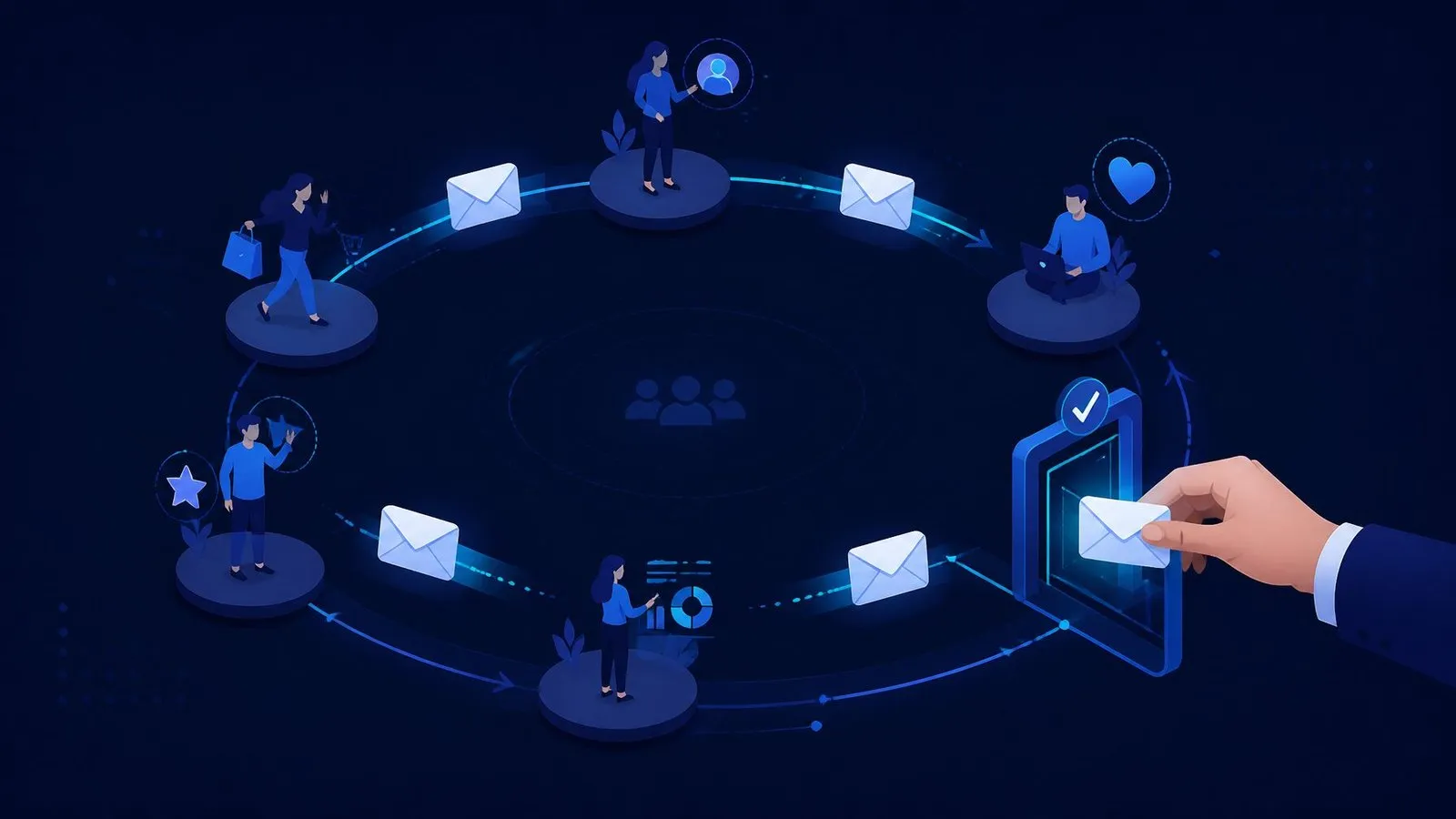
The newsletter was never the machine. The six lifecycle emails that move service revenue — enquiry, quote, onboarding, delivery, close and dormancy — with timing, human gates, and the event wiring underneath.
Read the article →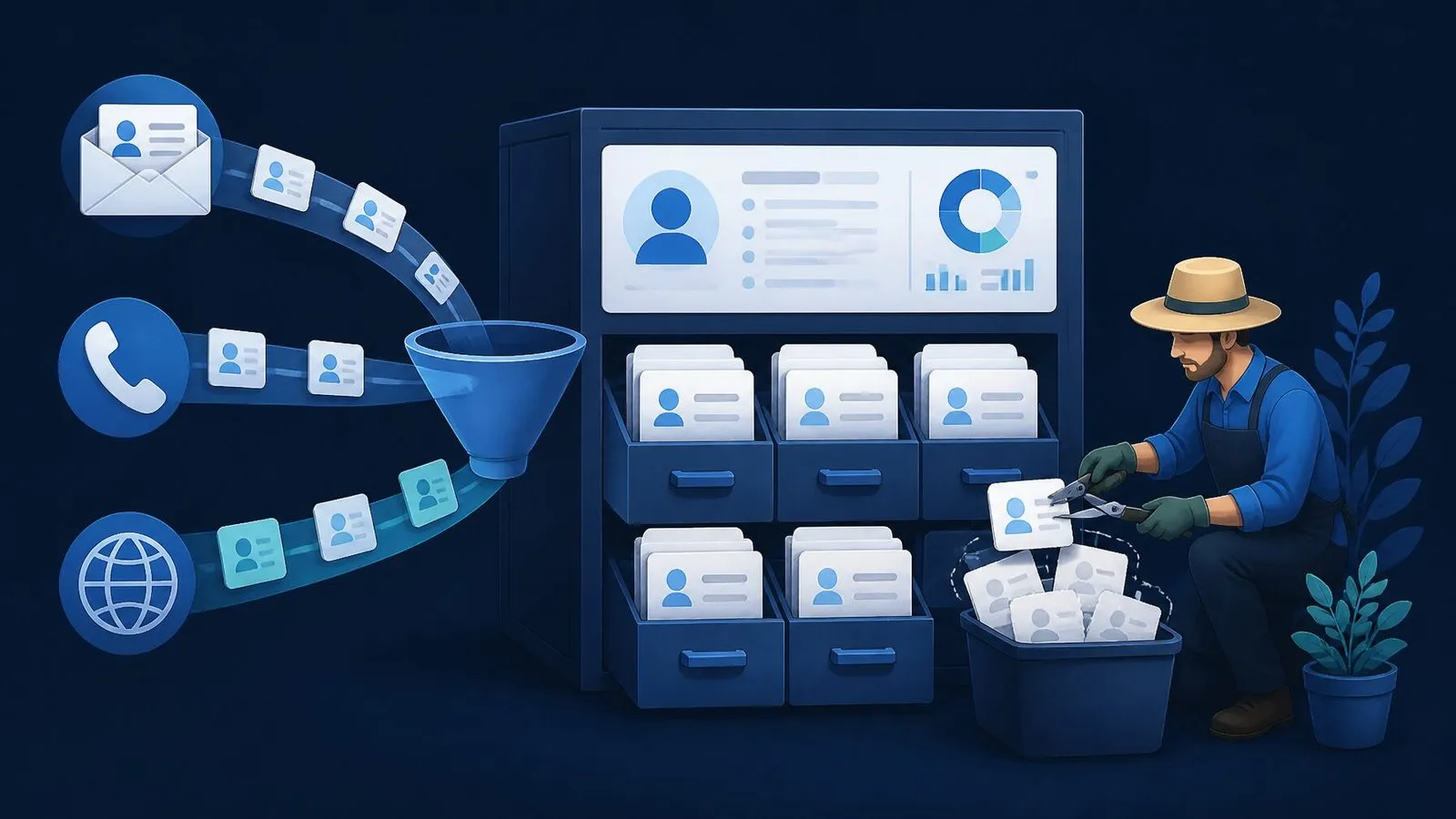
AI Automation9 min read
How to Choose Your First CRM (and Wire It So It Stays Clean)
First CRMs fail by over-buying or under-wiring. The four requirements that outrank feature grids, the shortlist logic, the automation that makes adoption automatic, and the hygiene that keeps the data trustworthy.
Read the article →
AI Automation10 min read
The Real Cost of Manual Data Entry (and the 3-Week Fix)
Manual data entry hides four costs — hours, errors, latency and morale — and none appear on a P&L. The full cost model with worked examples, and the three-week fix that retires the whole category.
Read the article →