AI Automation9 min readUpdated
n8n vs Zapier: Which Automation Platform Fits Your Business?
Zapier optimises for accessibility, n8n for power and flat economics. How the platforms differ in model, cost curve, capability and failure modes — with a four-question framework to decide per workflow.
BurTech Solution
Engineering team
The short answer: choose Zapier when non-technical staff need to ship simple automations today and volume is modest. Choose n8n when workflows branch, loop, call APIs directly, process real volume, or handle data you want kept on your own infrastructure. Many businesses sensibly run both — Zapier for quick personal automations, n8n for the pipelines the business depends on.
That is the summary an assistant will quote. The rest of this article is the reasoning: how the two platforms actually differ in model, cost behaviour, capability and failure modes — and a decision framework you can apply to your own stack this afternoon.
Two different philosophies
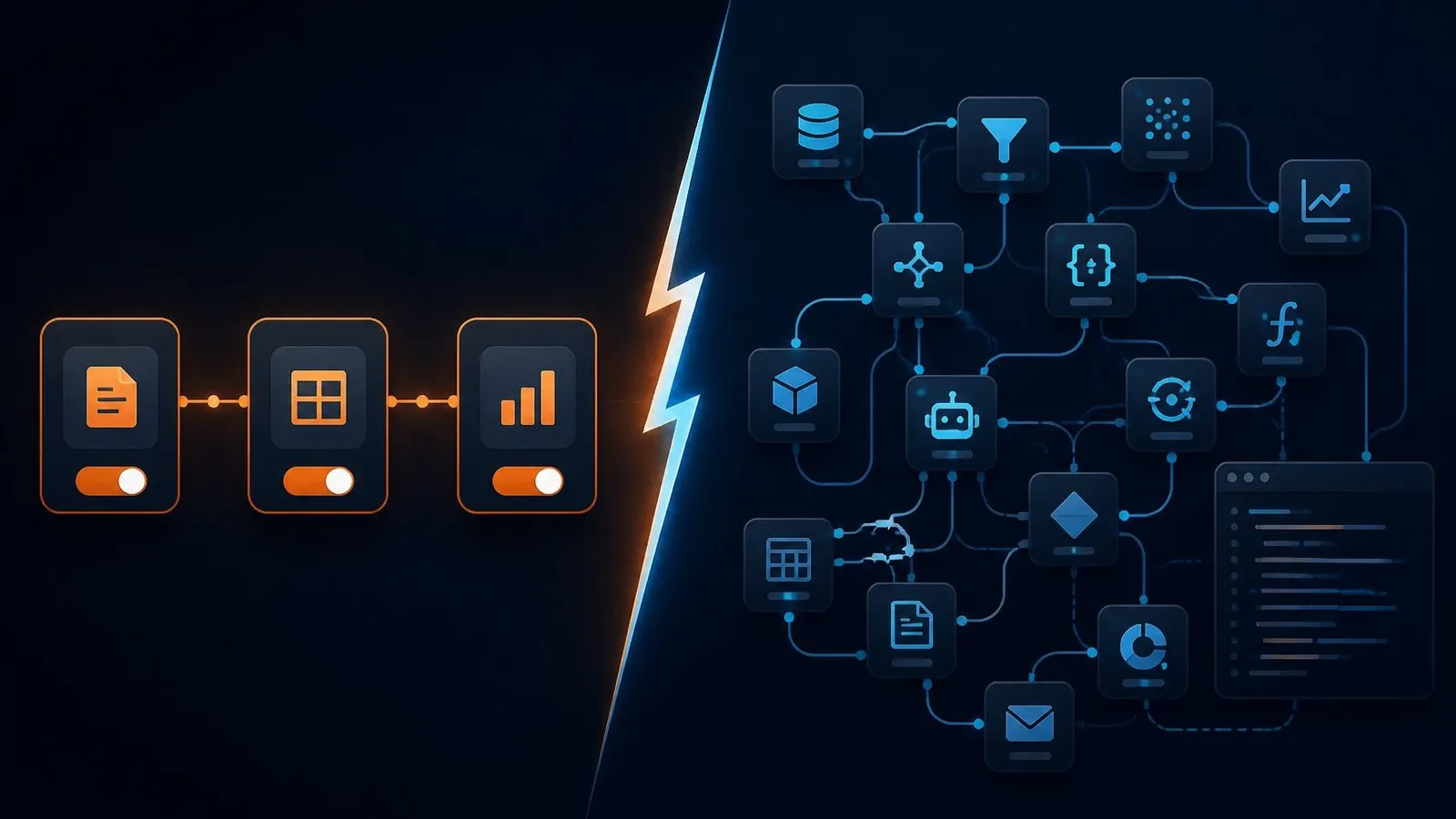
Zapier is a hosted service built on one elegant idea: trigger → action(s). When something happens in app A, do something in app B (and C, and D). Its catalogue of app integrations is the largest in the industry, its editor is genuinely usable by anyone, and its hosted nature means there is nothing to maintain. The trade-offs are the mirror image: linear thinking (branching exists but gets awkward fast), per-task pricing, and your data flowing through a third party.
n8n is a workflow engine: a canvas of nodes wired into graphs that can branch, loop, merge, retry, wait, and run arbitrary JavaScript or Python mid-flow. It is source-available and self-hostable — run it on your own server and executions cost you nothing beyond hosting — with a cloud edition if you prefer managed. The trade-offs: a real learning curve, and self-hosting means someone owns updates, backups and uptime.
Head to head
| Dimension | Zapier | n8n |
|---|---|---|
| Editor | Linear steps, no-code, very approachable | Node graph, visual but engineering-minded |
| Integrations | Thousands of first-class connectors | Hundreds of nodes + generic HTTP node reaches any API |
| Branching & loops | Basic paths; complex logic gets painful | Native — branches, merges, loops, sub-workflows |
| Custom code | Limited code steps | First-class JS/Python nodes anywhere in the flow |
| Pricing model | Per task executed — grows with usage | Self-hosted: flat infra cost; Cloud: execution tiers |
| Data residency | Vendor cloud | Your infrastructure (self-hosted) |
| Error handling | Replay and alerts on paid tiers | Retry logic, error workflows, full execution logs |
| Maintenance | None — fully hosted | You (or your partner) update and monitor |
| Best first user | Marketer, founder, ops generalist | Developer or technical ops — or an agency partner |
The economics, honestly
Pricing pages change; the shapes of the two cost curves do not. Zapier bills per task — every step execution counts — so cost scales linearly with how useful the automation becomes. An order-sync workflow touching five hundred orders a week with six steps each is roughly twelve thousand tasks a month, which lands in serious subscription territory. The same workflow on self-hosted n8n runs on a modest VPS whose price does not know or care how many executions happened.
The honest counterweight: n8n’s “cheap at scale” assumes someone competent set it up and keeps it healthy. That is a real cost — either internal time or a build partner. Our rule of thumb from client work: below a few thousand tasks a month with simple flows, Zapier’s simplicity usually wins the total-cost argument; above it, or the moment flows get conditional, the self-hosted curve wins and keeps winning.
Failure modes: how each one bites
- Zapier bites through the invoice. Success looks like an unexpectedly large bill, or discovering a workflow silently paused because you hit a plan limit mid-month. Mitigation: task budgets, usage alerts, and pruning zombie zaps quarterly.
- n8n bites through neglect. An un-updated instance, an expired credential, a full disk — self-hosting fails like infrastructure fails. Mitigation: monitoring, error workflows that alert a human, documented runbooks — the operational discipline we described in our automation cost guide.
- Both bite through brittle design. Workflows that assume perfect inputs shatter on the first malformed webhook. Whatever the platform: validate inputs, handle the empty case, alert on failure.
A decision framework in four questions
- Who maintains it? Nobody technical, no partner → Zapier. Developer on staff or an agency retainer → n8n is open to you.
- What volume? Dozens of runs a week → either. Hundreds to thousands → the per-task meter starts making the decision for you.
- How complex? “When form submitted, add row and send Slack” → Zapier, done in ten minutes. “Enrich, score, branch by territory, wait for approval, sync three systems, retry on failure” → n8n, without argument.
- Whose data? Public-ish marketing data → either. Customer PII, health, finance — anything with compliance gravity → self-hosted keeps the payloads home.
The same workflow, built twice
Frameworks are abstract; builds are not. Here is a standard lead-routing workflow — form submission to owned, enriched CRM lead with a Slack alert — on each platform.
On Zapier
Trigger: new form submission. Step two: find-or-create the contact in the CRM. Step three: a lookup table maps country to sales owner. Step four: update the record. Step five: post to Slack. Ten minutes of clicking, and it works — genuinely. The friction appears at the edges: enriching the lead means adding a paid enrichment app as another step; branching “if enterprise, also alert the founder and create a task” means Paths, and Paths inside Paths quickly become unreadable; and every one of those steps is a billed task on every single lead, forever. When the client later asks for “retry if the CRM was down and alert us if enrichment fails”, you discover error handling is mostly the platform’s business, not yours to design.
On n8n
The same flow is a graph: webhook node → enrichment via a direct HTTP call to the API you already pay for → a code node scoring the lead against your ICP in fifteen lines of JavaScript → a switch node branching by score and territory → CRM node → Slack node — with an error workflow attached that retries transient failures and posts anything unrecoverable to an ops channel with the full execution log linked. It takes an afternoon instead of ten minutes, and it needs someone who thinks in flows. In exchange: the enrichment call costs API price, not API price plus a per-task toll; the scoring logic is exactly yours; and the failure behaviour is designed, not inherited.
Neither story is a knock on the other platform. They are different tools for different stages of the same journey — which is why the four questions above matter more than any feature list.
Total cost of ownership: a worked example
Take that lead workflow at realistic growth — 600 leads a month, six billed steps each on Zapier (3,600 tasks), versus self-hosted n8n on a small VPS. Illustrative shapes, not quotes:
| Cost component | Zapier path | n8n path |
|---|---|---|
| Platform / hosting | Mid-tier plan sized for 3,600+ tasks | Small VPS (~the price of a few coffees) |
| Build effort | Hours — by anyone on the team | Days — by an engineer or partner (from $1,500 as a scoped build) |
| Cost when volume doubles | Roughly doubles | Unchanged |
| Maintenance | ~zero | An hour or two a month, or covered by a retainer |
| Year-two total | Subscription continues indefinitely | Hosting + light upkeep; build cost already amortised |
The crossover arrives faster than most teams expect, because successful automations attract volume: the workflow that justified the starter plan is precisely the workflow that outgrows it.
Security, compliance and the self-hosting argument
For most marketing automations, hosted is fine. The calculus changes when payloads contain customer PII, patient information, or financial records: every third party in the data path is an entry in your compliance story. Self-hosted n8n keeps execution data on infrastructure you control — your region, your retention policy, your access logs — which turns several awkward vendor-review questions into short answers. If your buyers are enterprises or regulated businesses, that alone can decide the platform.
Running both: the hybrid pattern
The mature setup we see (and often build) is deliberate coexistence: Zapier as the team’s personal glue — notifications, spreadsheet conveniences, individual productivity — where the blast radius of a failure is one person’s afternoon; n8n as the business’s nervous system — order sync, lead pipelines, content production, reporting — where failures page someone. The classification question is simple: if this workflow silently stopped for three days, would it cost money? If yes, it belongs on the platform with designed error handling and flat economics.
The migration playbook: moving a workflow from Zapier to n8n
When a workflow graduates, the move follows the same five steps every time, and skipping any of them is how migrations earn their bad reputation:
- Document what the zap actually does — not what it was built to do. Export the step list, then interview whoever owns it: which edge cases were patched over the months, which filters exist because of one weird customer, which steps are dead. The undocumented patches are the real specification, exactly as with any automation rebuild.
- Redesign, don’t transliterate. A linear zap copied node-for-node into n8n inherits every workaround the linear editor forced. This is the moment to add the branches, retries and validation the workflow always needed — the redesign is most of the migration’s value.
- Rebuild credentials in your own accounts. Fresh API keys, scoped minimally, stored in n8n’s credential vault on your infrastructure. It is also the natural audit moment: most teams discover at least one integration still authenticated as an employee who left.
- Shadow-run both. The zap keeps running; the n8n workflow runs in parallel against the same events with its outputs diverted to a test target (a staging sheet, a sandbox CRM pipeline). Compare for a full business cycle — including a weekend, because weekends are where timezone and schedule bugs live.
- Cut over with a rollback. Pause the zap — do not delete it — point n8n’s outputs at production, and keep the zap dormant for a month as your rollback plan. Then delete it, because dormant automations have a way of being un-paused by helpful colleagues.
Budget a day or two per workflow of moderate complexity, done properly. Teams migrating a dozen zaps usually find the count shrinks in the process — several zaps turn out to be steps of one actual business process, which becomes one coherent n8n workflow instead of five fragments taped together by trigger events.
Ecosystem notes worth knowing
- Templates: both platforms ship large template libraries. Treat them as teaching aids, not production code — a template knows nothing about your data shapes, and “it mostly works” is the most expensive state an automation can be in.
- AI assistance: both platforms now offer AI copilots that draft workflows from a description. Genuinely useful for scaffolding; genuinely dangerous as a substitute for understanding what the workflow does when an input is malformed at 2 a.m.
- Community depth: Zapier’s ecosystem is bigger; n8n’s community skews technical and shares actual workflow JSON you can import and inspect — often more useful than a tutorial.
- Versioning: n8n workflows are JSON, which means they can live in git — diffable, reviewable, restorable. For business-critical pipelines this quietly matters more than any feature: “what changed last Tuesday” becomes answerable.
Governance: the part both camps skip
Whichever platform wins your decision, the failure statistics are dominated by governance, not technology. The minimum viable rules we set with clients: every workflow has a named owner; every workflow that touches money or customers has error alerting to a channel humans read; credentials are service accounts, not personal logins; and there is a one-page runbook — what it does, what to check when it fails, who to call. Twenty minutes of writing per workflow, and the difference between “the pipeline failed Tuesday, we fixed it Tuesday” and “nobody noticed until the month-end numbers looked wrong.”
Related reading: our guide to how automation cuts operational costs covers the audit, the shadow-run discipline and the governance rules referenced throughout this comparison — the platform decision is step three of that process, not step one. And if the workflows you are automating produce content, the per-output workflow catalogue shows what the finished system looks like priced by deliverable.
The bottom line
Zapier is the right answer to “I need this connected by Friday and I am not an engineer.” n8n is the right answer to “this pipeline is part of how the business runs.” Respect both, pick per workflow — and when an automation graduates from convenience to infrastructure, move it to the platform built for infrastructure.
Frequently asked questions
Can I migrate from Zapier to n8n later?
Yes, and it is a common growth path — but it is a rebuild, not an import. Workflows are re-designed node by node, which is also the moment to fix the design shortcuts the linear editor forced. Budget it like a small project, not a toggle.
Is n8n free?
Self-hosted n8n has no per-execution fees — you pay for your server and whoever maintains it. n8n Cloud is a paid managed service. “Free” is therefore really “flat-cost”: superb economics at volume, not zero effort.
Which is better for AI workflows?
Both can call AI APIs, but n8n's code steps, branching and native LLM nodes make it far more natural for real AI pipelines — drafting content, classifying enquiries, extracting data from documents — where you need prompt logic, fallbacks and human approval steps in the same flow. Every AI workflow we ship for clients runs on n8n for exactly this reason.
What do you use at BurTech?
n8n, self-hosted in each client's own account, with direct API calls where latency matters — the client owns every credential and the economics stay flat as they grow. Details and pricing are on our AI automation service page.
How many workflows before self-hosting pays off?
Think in tasks, not workflows: one busy workflow can outweigh ten quiet ones. As a rough shape, when your monthly task consumption would push you past a mid-tier Zapier plan — or any single business-critical flow needs branching, retries and audit logs — the self-hosted build usually amortises within the first year, and everything after that is margin.
Is Make (Integromat) a middle option?
Make sits between the two philosophies — more visual logic than Zapier, cheaper per operation, still hosted. It is a genuine option for visually-minded teams, with the same structural trade-offs as any hosted per-operation platform: costs scale with success and data transits a third party. The four-question framework applies unchanged; Make simply shifts where the complexity ceiling and the cost curve sit.
Can non-developers learn n8n?
Yes — operations-minded people pick up the node model in a week or two of real use, especially starting from imported community workflows. The honest line is not “developers only” but “someone must enjoy thinking in flows and edge cases”; if nobody on the team does, budget for a build partner and spend your learning time on the approval and monitoring habits instead.
Should I choose n8n or Zapier?
Zapier when non-technical staff need simple automations shipped today at modest volume; n8n when workflows branch, process real volume, need custom code, or handle data you want on your own infrastructure. Many teams sensibly run both.
Is n8n cheaper than Zapier?
Self-hosted n8n has no per-execution fees — costs stay flat as volume grows — while Zapier bills per task, so cost scales with usage. Below a few thousand simple tasks a month Zapier's simplicity often wins; above it the self-hosted curve wins and keeps winning.
Written by
BurTech Solution
Engineering team
The BurTech Solution engineering team designs, builds and maintains AI automation, ecommerce stores, SaaS and custom software for growing businesses. Everything on this blog comes from work we ship for clients and run ourselves.
Keep reading
More on ai automation.

AI Automation10 min read
Email Automation Beyond Newsletters: Lifecycle Flows for Service Businesses
The newsletter was never the machine. The six lifecycle emails that move service revenue — enquiry, quote, onboarding, delivery, close and dormancy — with timing, human gates, and the event wiring underneath.
Read the article →
AI Automation9 min read
Webhooks Explained for Non-Developers: The Glue Behind Modern Automation
A webhook is a doorbell between apps: push instead of poll. The full plain-English model — events, endpoints, payloads — plus failure handling, security questions worth asking, and where webhooks sit in your automations.
Read the article →
AI Automation9 min read
How to Choose Your First CRM (and Wire It So It Stays Clean)
First CRMs fail by over-buying or under-wiring. The four requirements that outrank feature grids, the shortlist logic, the automation that makes adoption automatic, and the hygiene that keeps the data trustworthy.
Read the article →